mirror of
https://github.com/dbeaver/cloudbeaver.git
synced 2026-09-24 16:04:36 +08:00
 eaa26dfe52
* CB-4619 feat: update gql schema

* CB-4808 bulk update user parameters

* CB-4808 param type fix

* CB-4619 feat: updateUserPreferences API


* CB-4619 refactor: settings api

* CB-4619 refactor: move file

* CB-4619 refactor: settings api

* CB-4619 fix: pr review

* CB-4619 refactor: remove web-based product settings

* CB-4619 fix: after pr review

* CB-4619 refactor: move product conf to cloudbeaver conf

* CB-4619 fix: hide settings bar and log exception with changing session language

* CB-4619 fix: revert after merge

* CB-4808 new settings api

* CB-4808 update product.conf format

* CB-4808 update product.conf format

* CB-4619 feat: support server provided settings

* CB-4619 feat: prettify settings

* CB-4619 chore: map sql editor settings group

* CB-4808 add use short/long object name settings to CloudBeaver

* CB-4808 update default product.conf

* CB-4808 mode short/long settings to SQLModelPreferences

* CB-4808 review fix

* CB-4619 refactor: unit tests

* CB-4619 fix: prevent websocket opening spam

* CB-4619 fix: dependencies

* CB-4619 fix: remove extra theme loading

* CB-4619 fix: rename settings alias resolver file

* CB-4619 fix: after review

* CB-4619 fix conflicts

* CB-4619 rename server property

* CB-4619 remove shortname property

* CB-4619 fix legacy product conf reading

* CB-4619 merge root and runtime configurations

* CB-4619 chore: remove log viewer setting

* CB-4619 integer fields with env variables fix

* CB-4619 fix: property naming

* CB-4619 fix: parseJSONFlat null values

* CB-4619 fix: settings loading

* CB-4619 fix: save only actual settings

---------

Co-authored-by: Aleksandr Skoblikov <aleksandr.skoblikov@dbeaver.com>
Co-authored-by: kseniaguzeeva <112612526+kseniaguzeeva@users.noreply.github.com>
Co-authored-by: Evgenia Bezborodova <139753579+EvgeniaBzzz@users.noreply.github.com>
CloudBeaver Community

Cloud Database Manager - Community Edition.
CloudBeaver is a web server which provides rich web interface. Server itself is a Java application, web part is written on TypeScript and React.
It is free to use and open-source (licensed under Apache 2 license).
See out WIKI for more details.
Run in Docker
Demo server
You can see live demo of CloudBeaver here: https://demo.cloudbeaver.io
Changelog
24.0.1. 2024-03-25
- Added support for two modes for committing changes to the database:
- Auto-commit transfers all changes that you make immediately to the database;
- Manual commit requires your confirmation before committing a change to the database or rolling it back.
- Different bug fixes and enhancements have been made.
24.0.0. 2024-03-04
-
Changes since 23.3.0:
-
Main updates:
- Have enhanced security for unauthorised access;
- Have added a password policy for the local authorization. Password parameters can be set in the configuration file;
- Have added validation for mandatory fields in all forms to create and edit entities;
- Have added an ability to edit the default preferences of the following parts: interface, tools and data viewer in the settings panel in the administrative part;
-
Performance:
- Have improved the performance of the server.
-
Administration:
- Have added the ability to configure reverse proxy header name and redirect URL at logout. Now the administrator can configure all settings. The delimiter symbol for the reverse proxy team headers is configurable;
-
Preferences:
- Have added the ability in the admin panel to customise copying in the Tables and Values panel for all users except the administrator;
- Have added the ability to disable alias autocomplete for all users.
-
Access Management:
- A default user group was added to the product. This group includes all users which could not be deleted.
-
Connections:
- The 'Keep alive' option has been added to the connection settings to keep the connection active even in case of inactivity.
-
Data Editor:
- Have added the ability to view decoded binary-type data in the Value panel;
- Text wrap is activated by default for texts and BLOBs in the Values panel for better visibility. The user can switch to the one-line mode using a button on the toolbar;
- Have added the ability to display full text for a string data type in the Value panel;
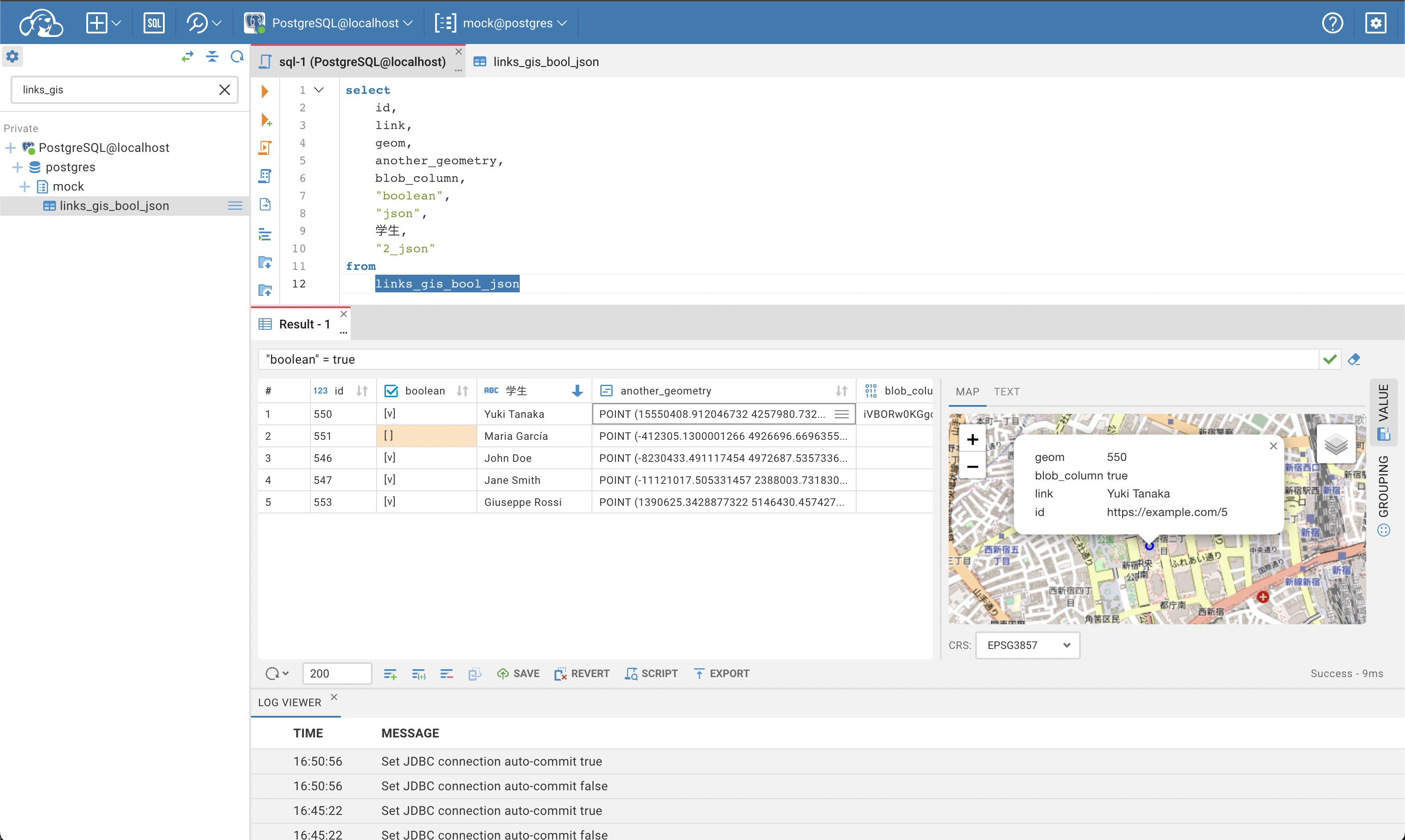
- Have added the ability to display the OpenStreetMap layer with the coordinate system ESPG 4326.
-
Resource management:
- Read-only scripts now have a padlock icon.
-
Databases:
- The DuckDB driver has been added;
- Updated PostgreSQL driver to 42.5.2;
- ClickHouse Legacy driver has been removed to prevent potential vulnerability issues;
- Updated MariaDB driver to version 3.3.2.
-
Different bug fixes and enhancements have been made.