mirror of
https://github.com/dbeaver/cloudbeaver.git
synced 2026-09-24 16:04:36 +08:00
 a65dff32d6
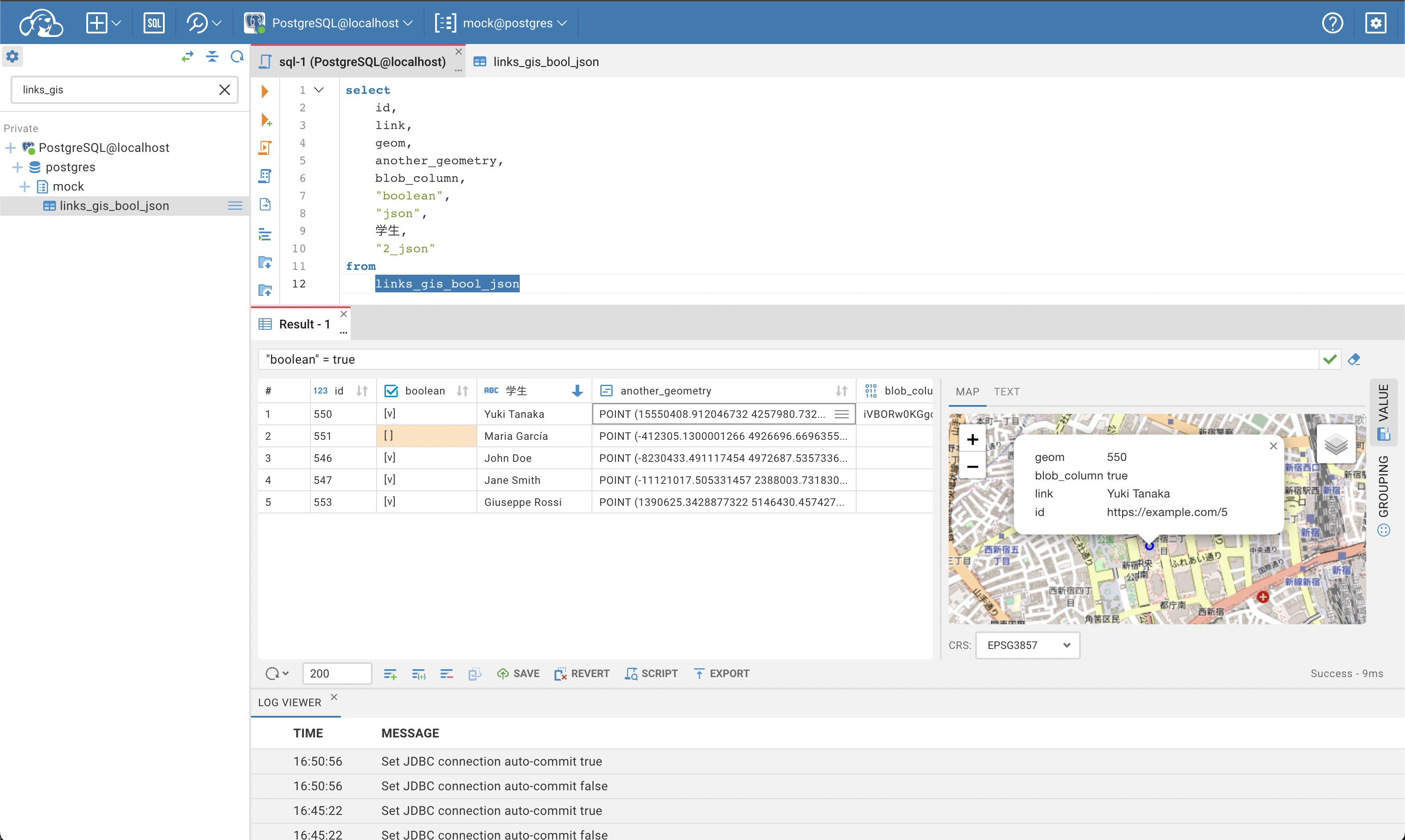
* CB-4760 refactors value panel boolean presentation

* CB-4760 refactors value panel image presentation

* CB-4760 refactors value panel text presentation (part 1)

* CB-4760 refactors value panel text presentation (part 2)

* CB-4760 moves ValuePanel presentation layer to ValuePanel folder

* CB-4760 fixes type in file name

* CB-4760 modifies isBlob truncated logic

* CB-4760 booleanValuePresentation uses actions helper

* CB-4760 reverts value panel helpers location

* CB-4760 reverts getResultSetActions

* CB-4760 add preprocessBooleanValue helper instead of hook

* CB-4760 reverts truncated message isTruncated logic

* CB-4760 cleanup

* CB-4760 cleanup

* CB-4760 test commit for save file history

* CB-4760 test commit for save file history [2]

* CB-4760 test commit for save file history [3]

* CB-4760 moves back ValuePanelPresentation directory to src folder to save git history

* CB-4760 pr fixes

* CB-4760 adds placeholder for non selected elements in boolean value presentation (value panel)

* CB-4760 fixes placeholder translation for non selected elements in boolean value presentation (value panel)

* CB-4760 fix: app restart process

* CB-4760 fix: app restart process

---------

Co-authored-by: mr-anton-t <42037741+mr-anton-t@users.noreply.github.com>
Co-authored-by: Aleksei Potsetsuev <wrouds@gmail.com>
CloudBeaver Community

Cloud Database Manager - Community Edition.
CloudBeaver is a web server which provides rich web interface. Server itself is a Java application, web part is written on TypeScript and React.
It is free to use and open-source (licensed under Apache 2 license).
See out WIKI for more details.
Run in Docker
Demo server
You can see live demo of CloudBeaver here: https://demo.cloudbeaver.io
Changelog
24.1.0. 2024-06-03
Changes since 24.0.0:
- General:
- Added the ability to back up the internal database before schema migration (for H2 and PostgreSQL)
- The process of application update has improved - you can track the application update process now;
- Added the ability for users to configure personal settings for the interface, SQL editor, and data viewer through the settings panel
- All popup dialogs became available for screen readers, including JAWS, to improve the experience for users with disabilities;
- User authorization:
- Security for unauthorized access enhanced;
- Added LDAP authentication;
- Data viewer and SQL editor:
- Added support for manual and automatic modes for committing changes to the database
- Large text values (more than 100 Kb) are now automatically opened in the Value panel;
- Row count calculation in the grid can be canceled for Data Editor and SQL Editor;
- Added the ability to set null values for BLOB and GIS data via the cell's context menu in the table;
- Added spatial data visualization for DuckDB;
- Aliases autocompletion fixed for DuckDB;
- Procedure creation query recognition fixed for DB2i.
- Connection settings:
- Implemented support for utilizing environment variables within connection configurations;
- Data transfer:
- Added the ability to import data to the database from CSV file;
- Added the ability to select a case for column names for export to CSV;
- Databases:
- Added a new Apache Kyuubi driver (thanks to @pan3793);
- Enhanced security for connection through H2 driver;
- DuckDB driver updated to version 0.10.2;
- Oracle driver updated to version 23.2.0.0;
- SQLite driver updated to version 3.44.1.0;
- Clickhouse driver updated to version 0.6.0-patch2;
- Trino driver updated to version 438 (thanks to @alaturqua).