English | [简体中文](./README.zh-CN.md) | [日本語](./README.ja-JP.md) | [Français](./README.fr.md) | [Español](./README.es.md) | [Português](./README.pt.md) | [Português (BR)](./README.pt-BR.md) | [Bahasa Indonesia](./README.id.md) | [Tiếng Việt](./README.vi.md) | [Deutsch](./README.de.md)
https://github.com/user-attachments/assets/3b89d965-f60f-48e0-8110-24186c2911d2


## Table of Contents
- [What is NocoBase](#what-is-nocobase)
- [Quick Start](#quick-start)
- [Release Notes](#release-notes)
- [Distinctive Features](#distinctive-features)
## What is NocoBase
NocoBase is an open-source AI + no-code platform for building business systems fast. Instead of generating everything from scratch, AI works on top of production-proven infrastructure and a WYSIWYG no-code interface, so you get both speed and reliability.
Homepage:
https://www.nocobase.com/
Online demo:
https://demo.nocobase.com/new
Documentation:
https://docs.nocobase.com/
Forum:
https://forum.nocobase.com/c/english-forum/5
User stories:
https://www.nocobase.com/en/blog/tags/customer-stories
## Quick Start
```bash
# Install NocoBase CLI
npm install -g @nocobase/cli
nb --version
# Install a NocoBase app
nb init --ui
# Optional: build together with an AI Agent
codex # claude, opencode
```
Detailed steps:
- Install a NocoBase app
- AI Agent Integration Guide
## Release Notes
Our [release notes](https://www.nocobase.com/en/blog/timeline) are updated regularly on the blog, with weekly summaries of important changes.
## Distinctive Features
### 1. Collaborative: AI and people build together
Coding agents get a full CLI and skills, while people get a WYSIWYG no-code interface, so both can collaborate efficiently.
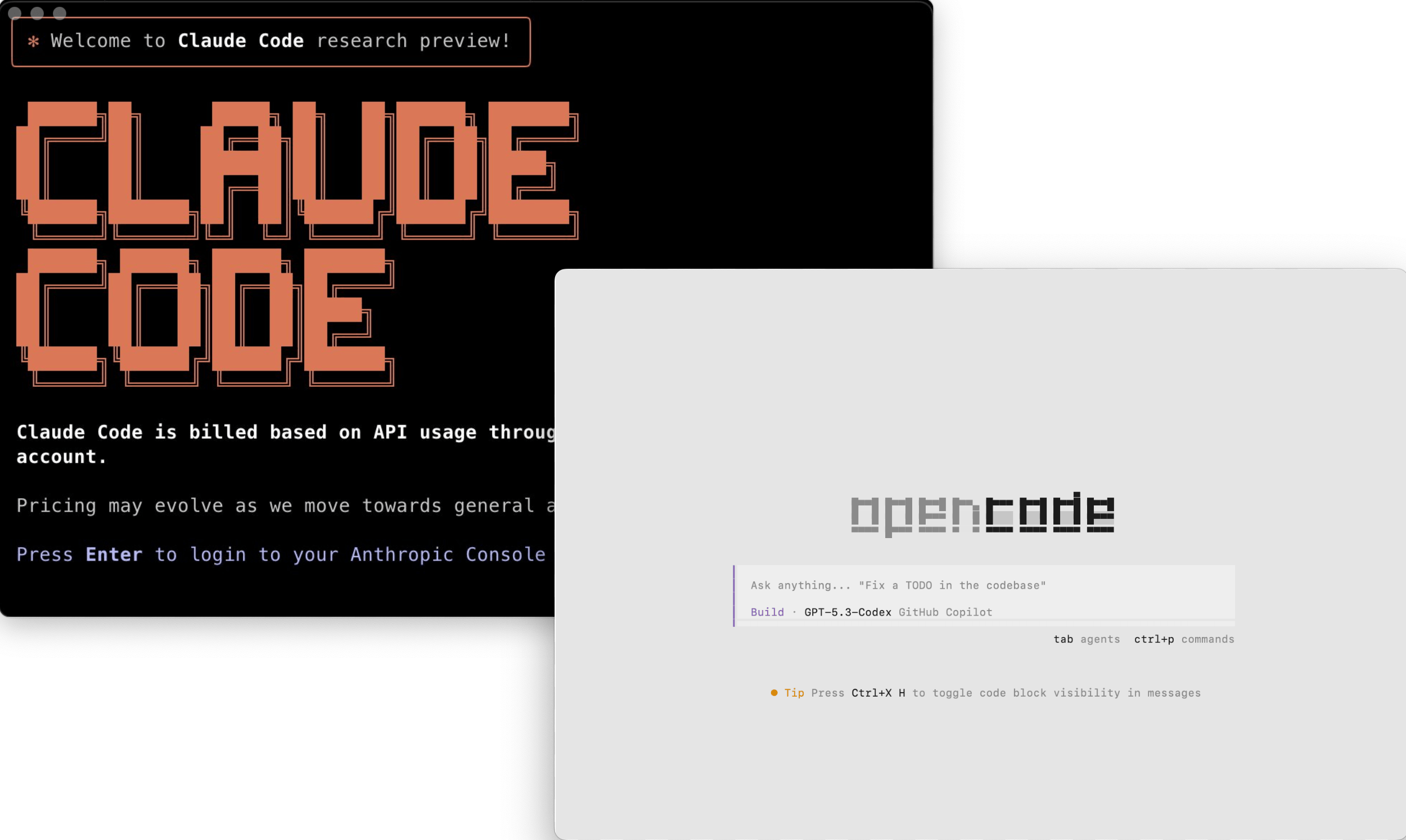
#### Build with the AI coding agents you already know
Go from deployment to a working system in minutes with mainstream coding agents.
- Works with mainstream agents like Claude Code, Cursor, Codex, OpenCode, and TRAE
- Agents can handle setup, development, migration, and release end to end
#### Build manually in a WYSIWYG no-code interface
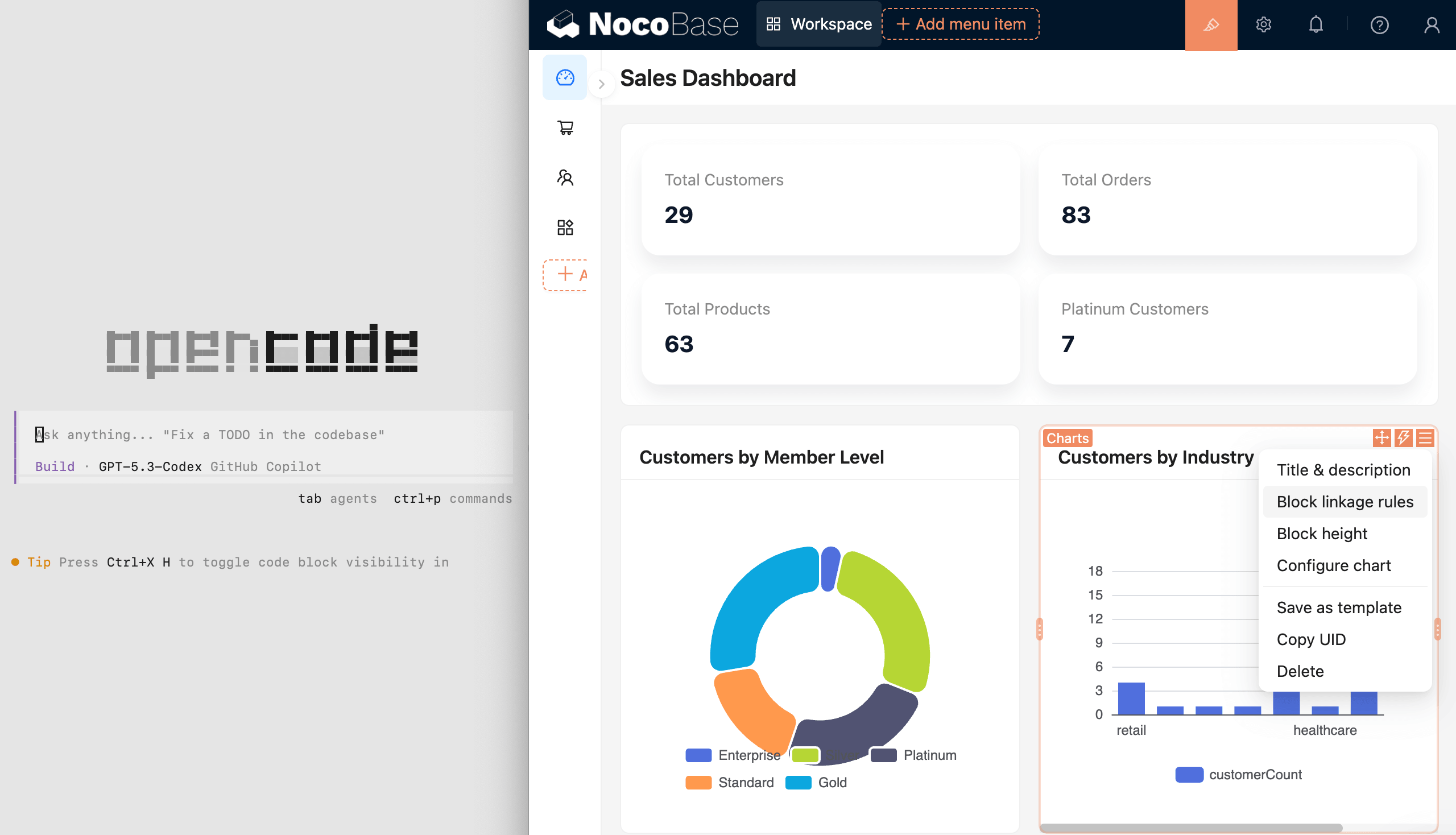
People can build and modify visually in a WYSIWYG interface, even without AI.
- Switch between usage mode and configuration mode with one click
- Review and configure data models, pages, workflows, and permissions visually
- Designed for regular users, not just developers

#### Mix AI development and manual building however you need
Split the work as needed: people can refine what AI builds, and AI can continue from human configuration.
- AI can quickly create data models, pages, and workflows
- People can quickly refine the UI and interactions
- Collaborate as needed and keep iterating
### 2. Intelligent: AI helps run the business, not just build the system
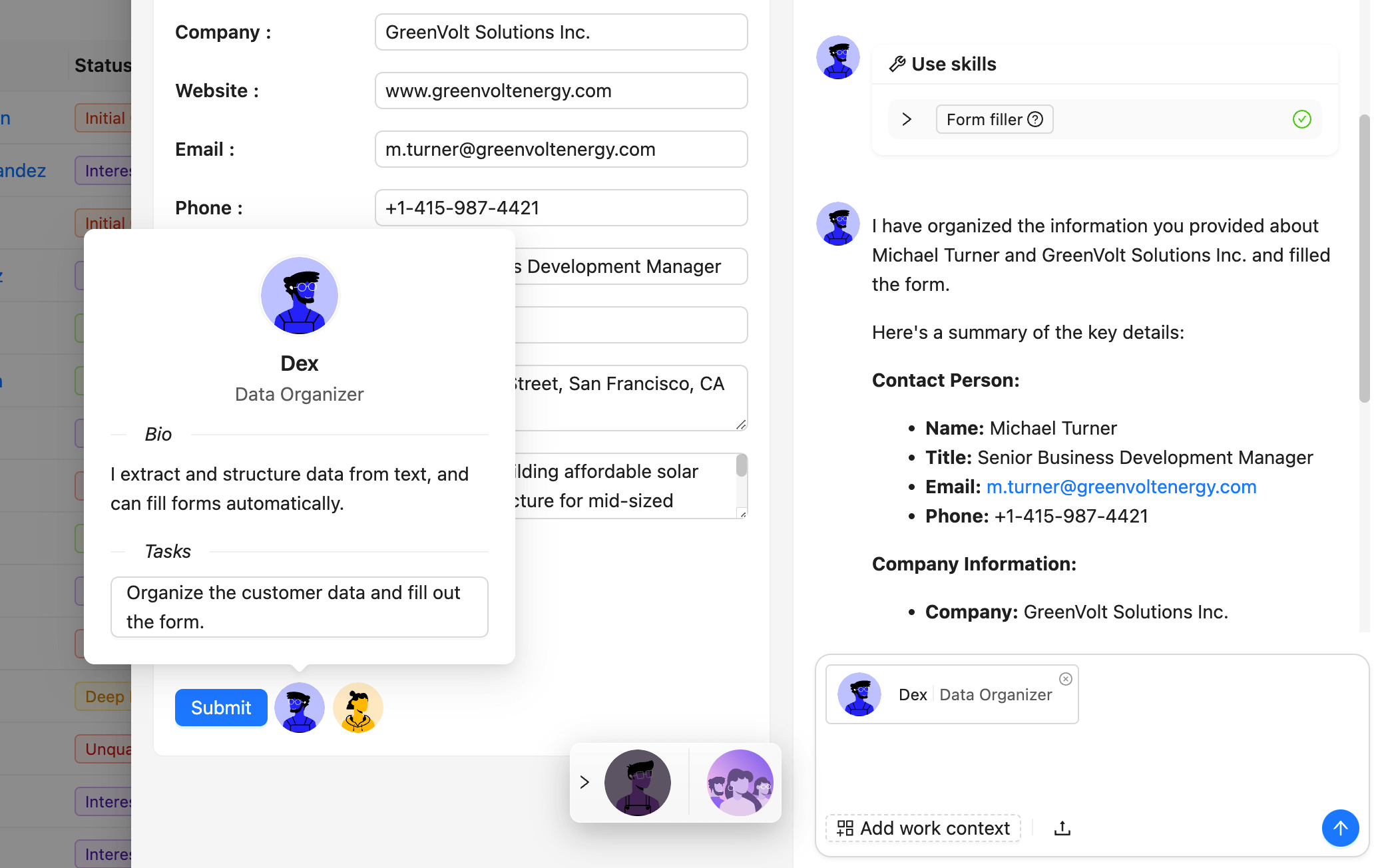
NocoBase includes AI employees, so AI can work directly inside the system.
#### AI employees integrated into business workflows
AI employees get business context automatically and execute tasks directly inside the system.
- Front-end: help with analysis, Q&A, form filling, and more
- Back-end: handle document recognition, risk monitoring, and task routing automatically
- Integrated with workflows, AI employees can join decisions and execution
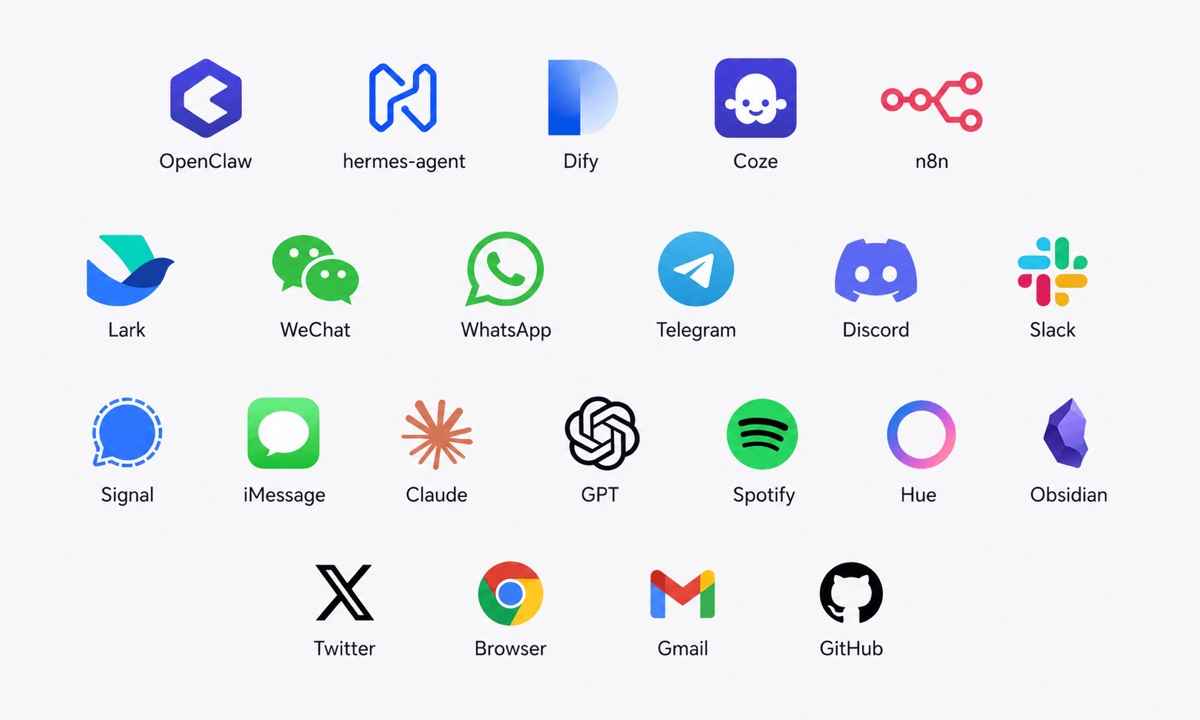
#### Open interfaces for the agent ecosystem
MCP, HTTP APIs, CLI, and rich skills let external agents connect securely.
- Platforms like OpenClaw, Hermes, Dify, Coze, and n8n connect through standard protocols
- Connects with Telegram, WhatsApp, Slack, and Gmail to query data, trigger actions, and execute business workflows
- One interface model keeps internal and external agents within the same boundaries
#### Permission controls keep AI behavior under control
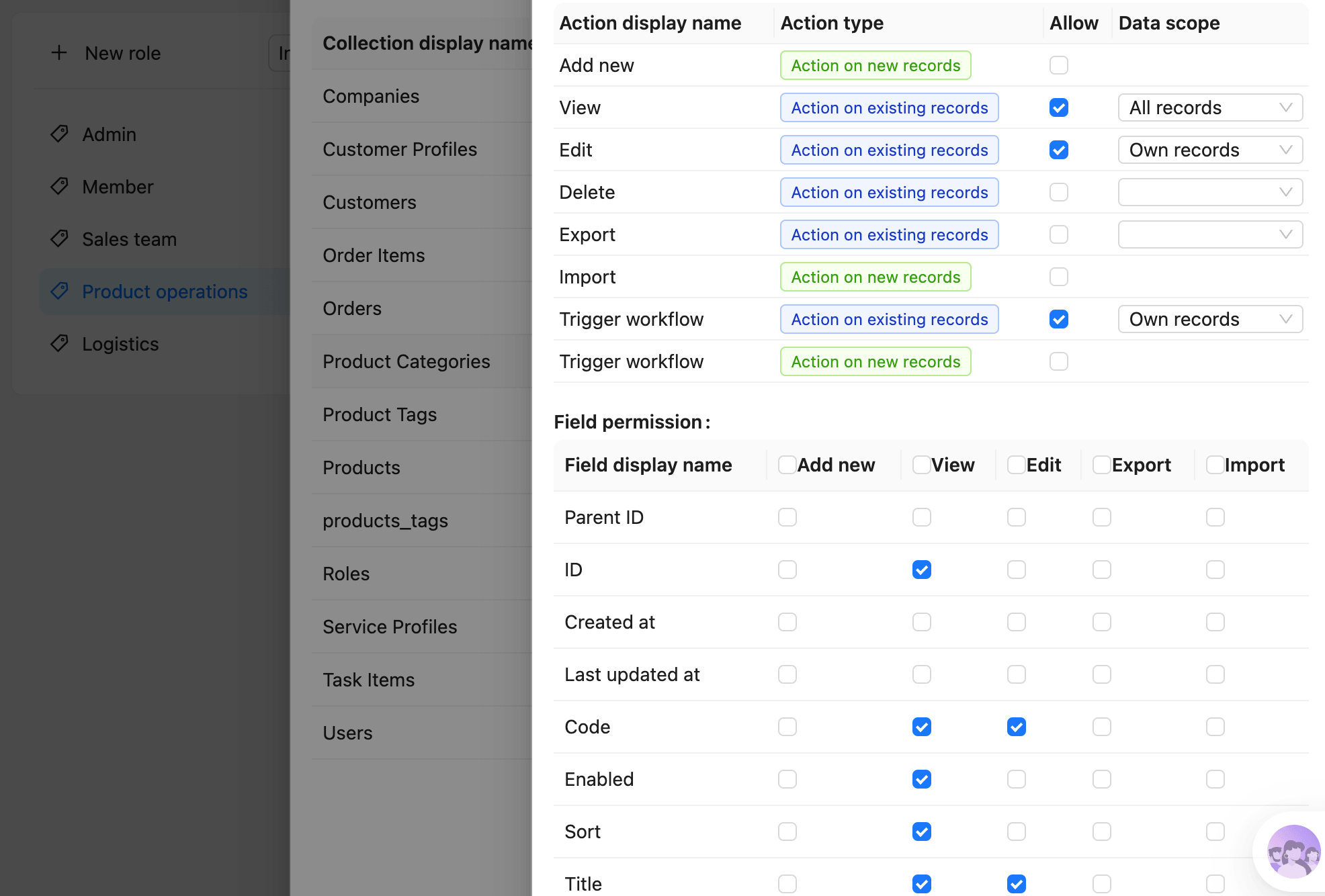
Every AI action follows the same fine-grained permissions as human users.
- Each AI employee has its own role, with field-level read and write permissions
- Audit logs make every data change and workflow trigger traceable
- Admins can adjust AI permissions at any time to keep boundaries clear
### 3. Reliable: ready infrastructure for real business
Data models, permissions, and workflows are complex and error-sensitive.
NocoBase provides them as built-in infrastructure, tested and proven in production.
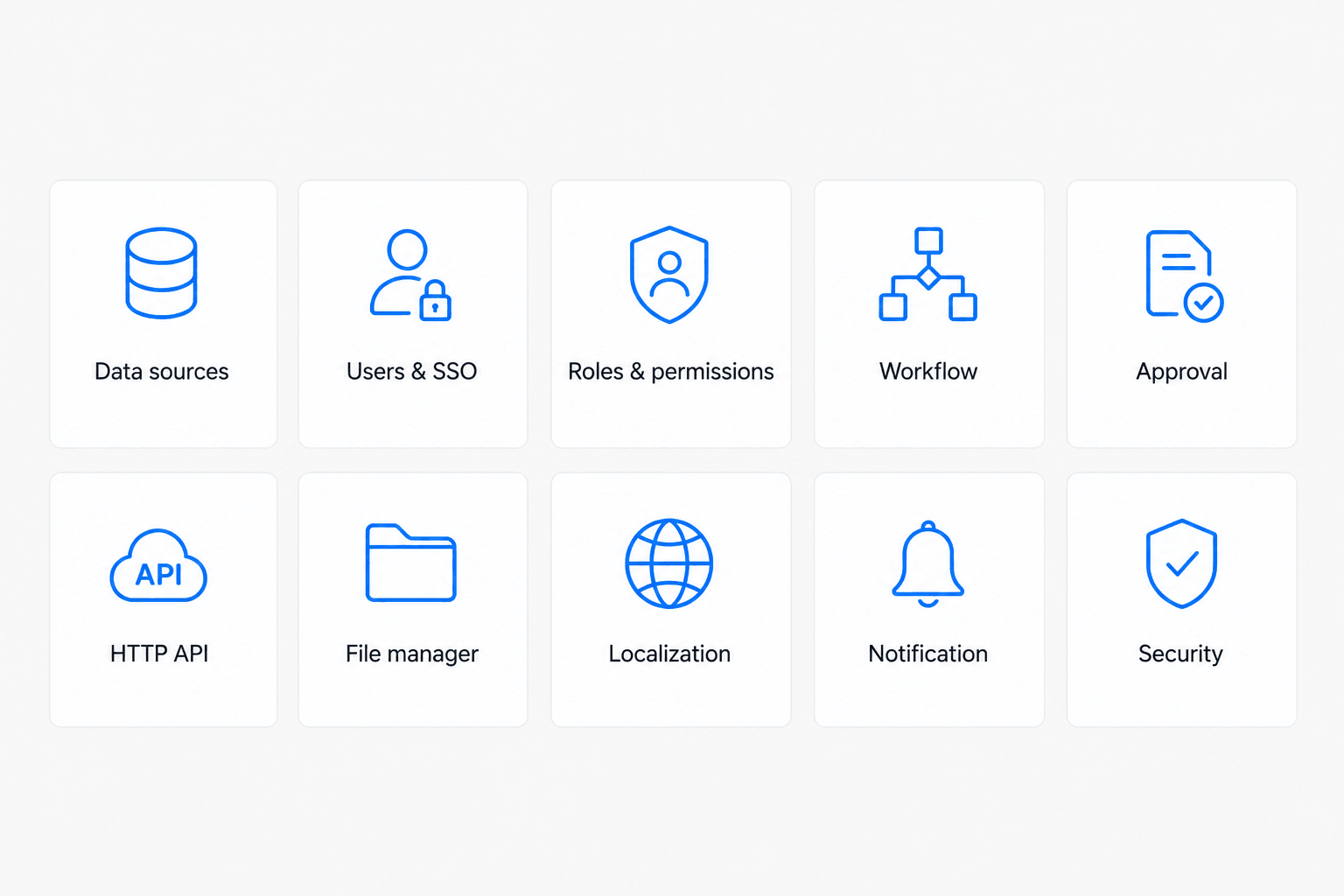
#### Complete infrastructure, without starting from scratch
Dozens of built-in modules cover the most common business needs.
- Data models, permissions, workflows, and audit logs work out of the box
- Proven in production, instead of regenerated as black-box code each time
- Built-in guardrails keep AI output aligned with the system architecture
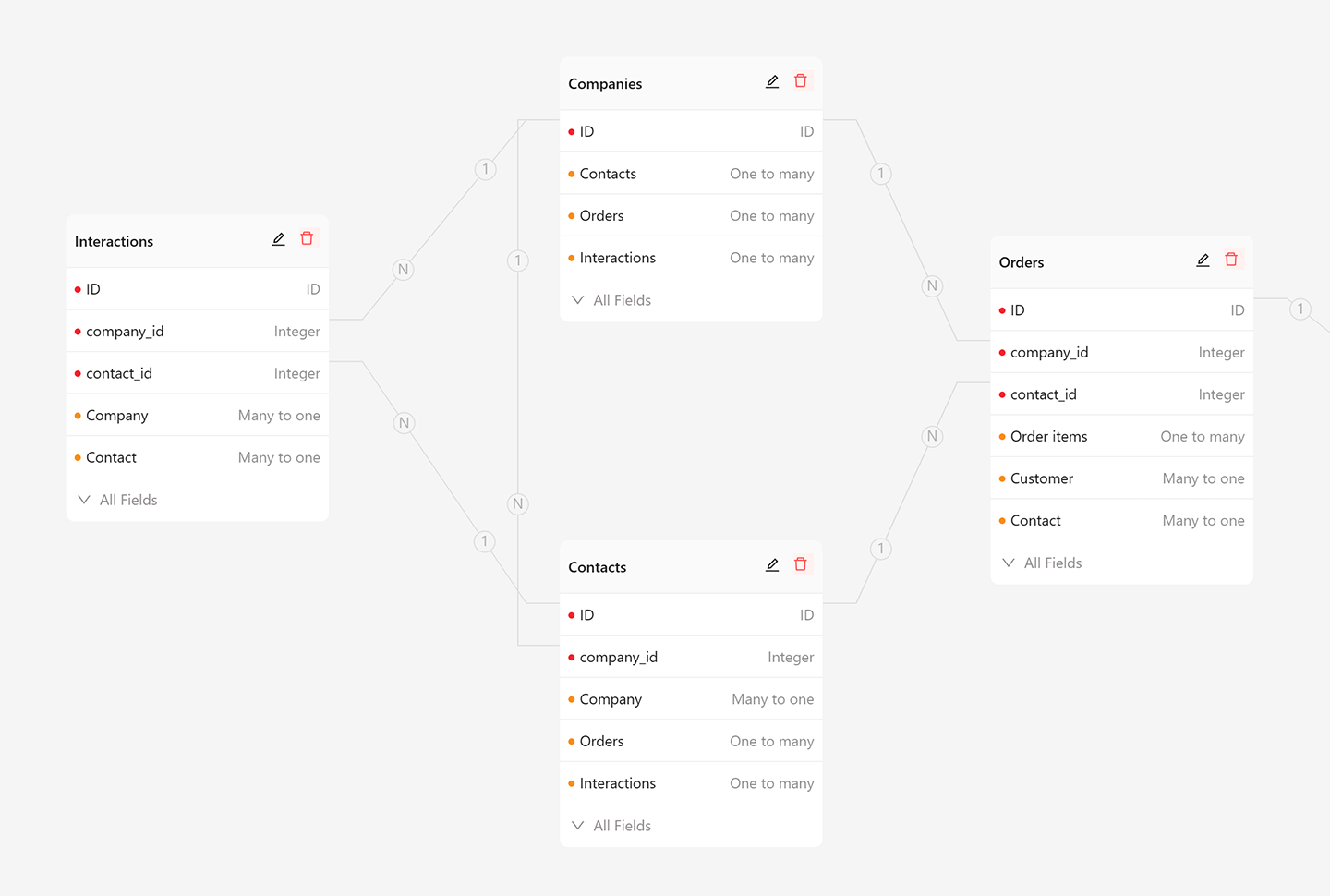
#### Data-model driven, with data decoupled from UI
Business data stays in standard relational structures, separate from the UI.
- Use the main database, external databases, and third-party APIs as data sources
- AI and people work on the same data model, so results stay transparent
- Your data always stays in your own database, without platform lock-in
#### Plugin architecture for sustainable growth
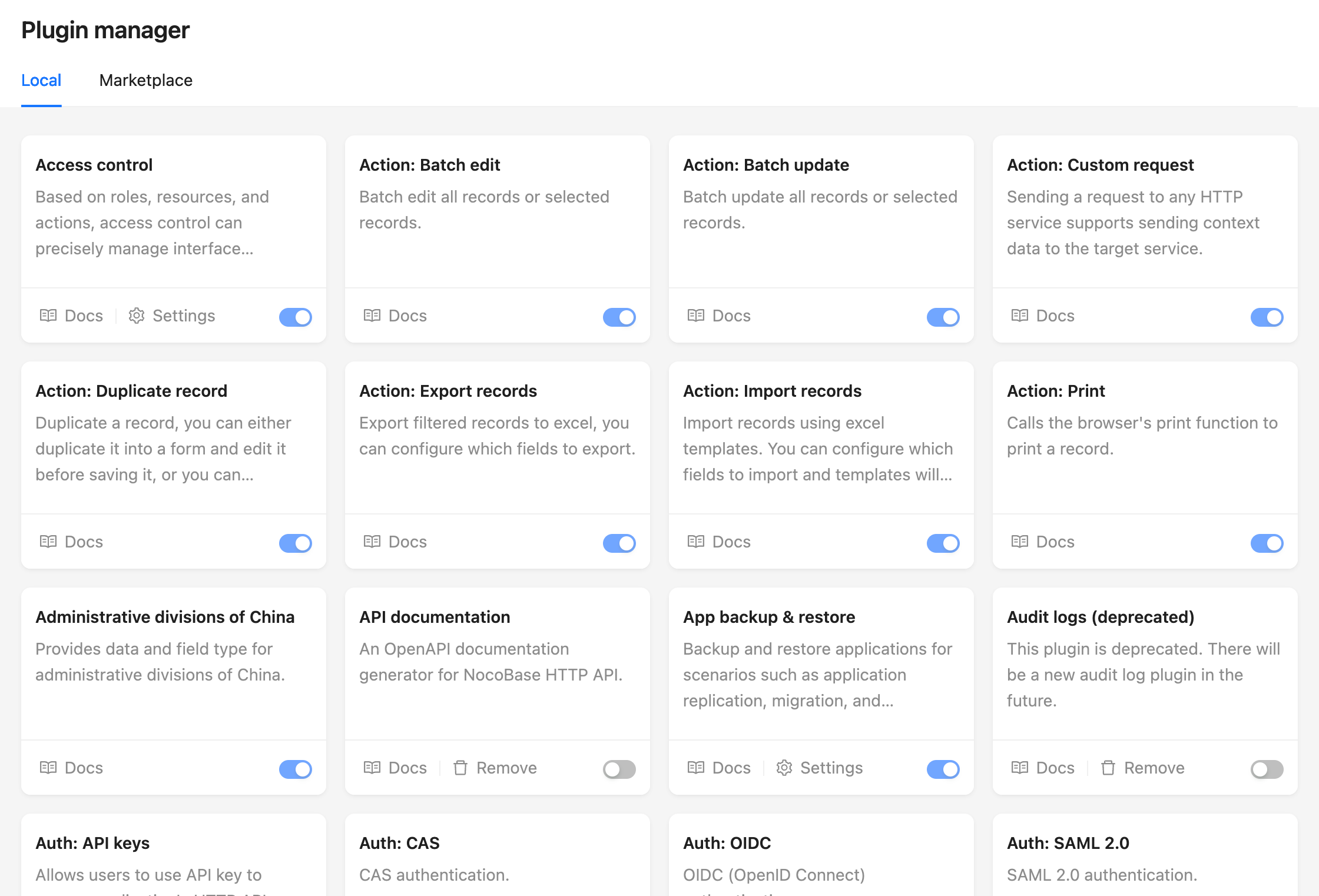
With a microkernel design, everything is a plugin and the system can grow without losing control.
- New features are added through composable plugins with shared conventions
- Mix custom and official plugins to fit your business
- The same architecture applies to both AI-built and manually built plugins